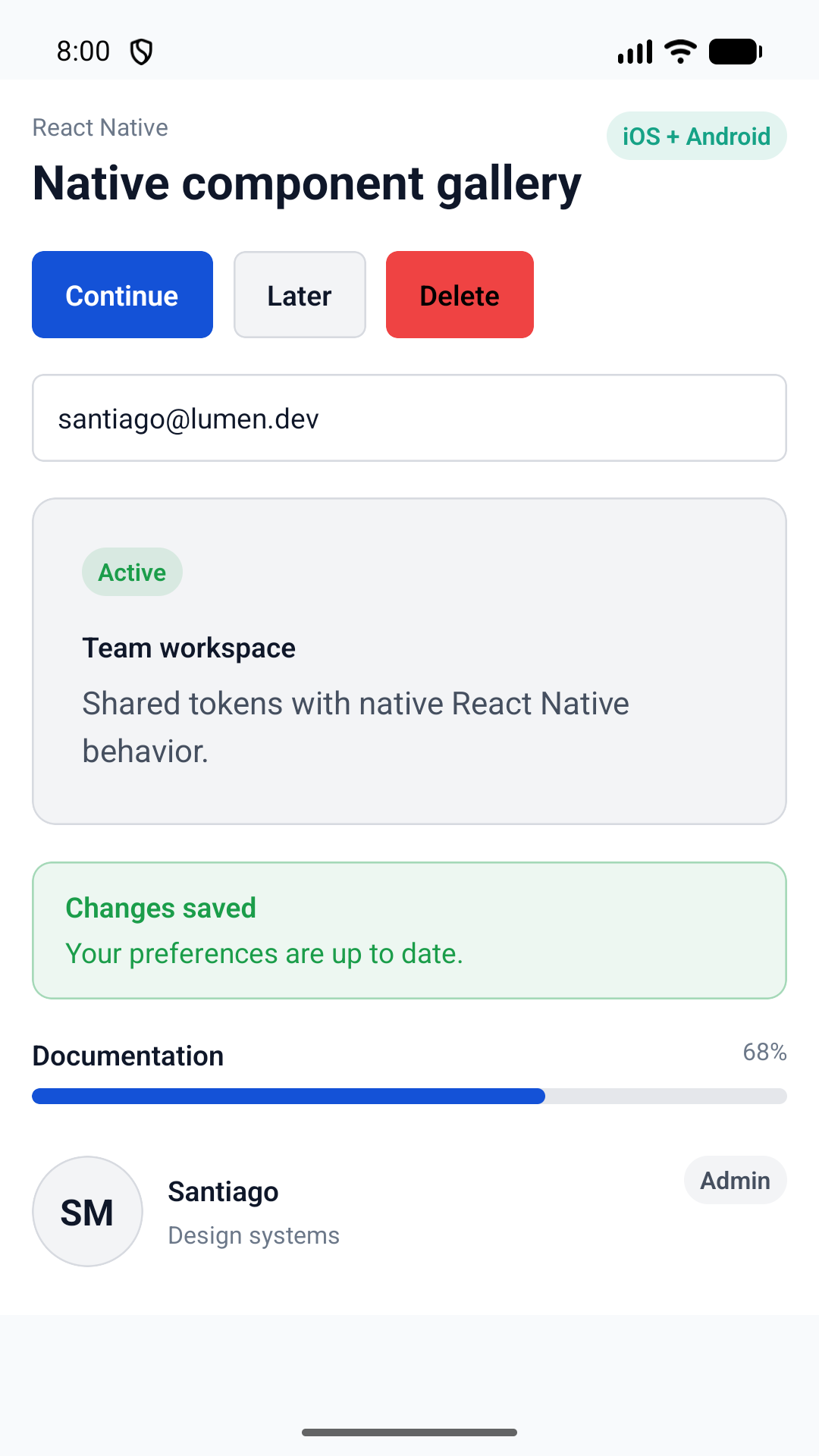
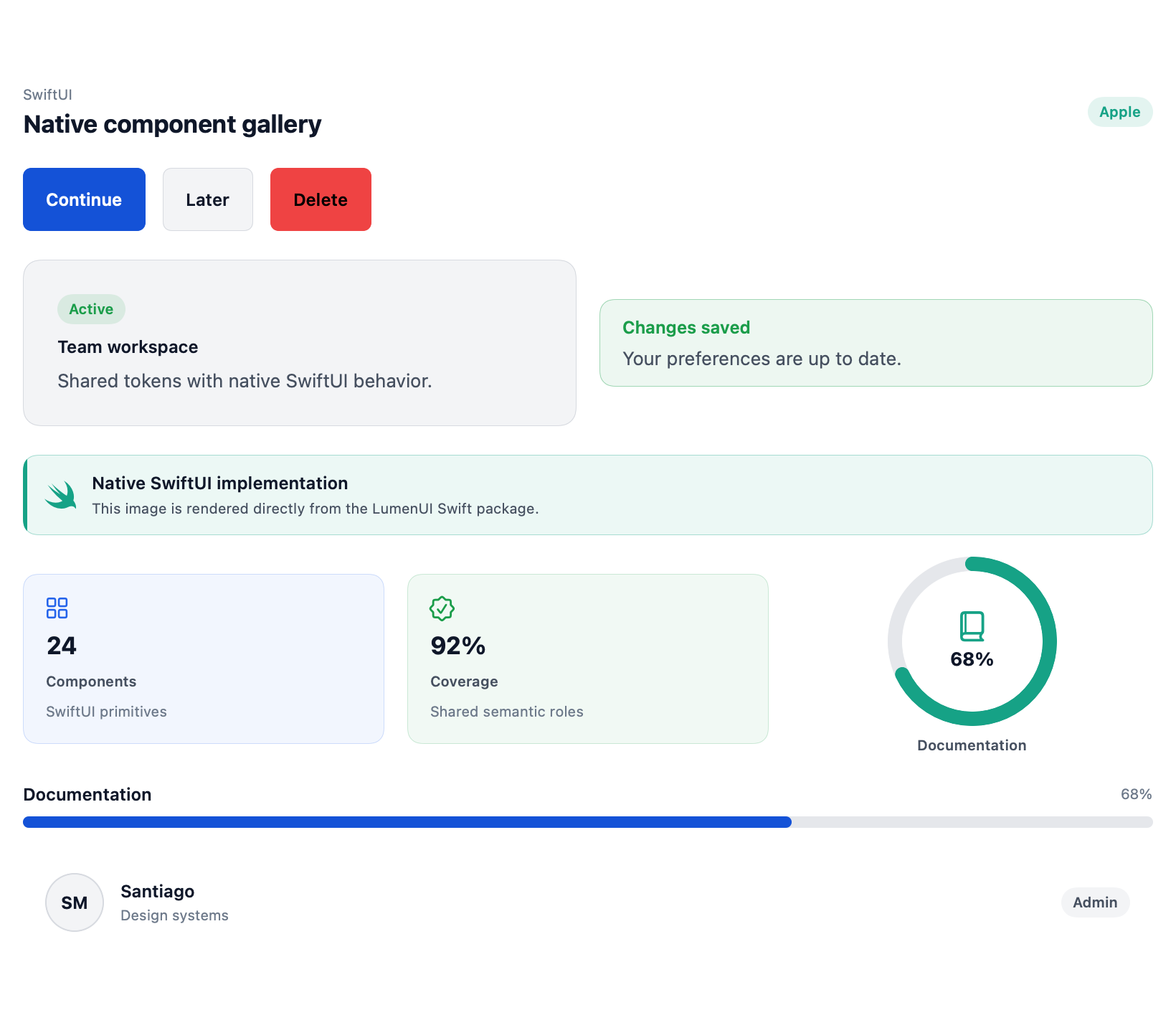
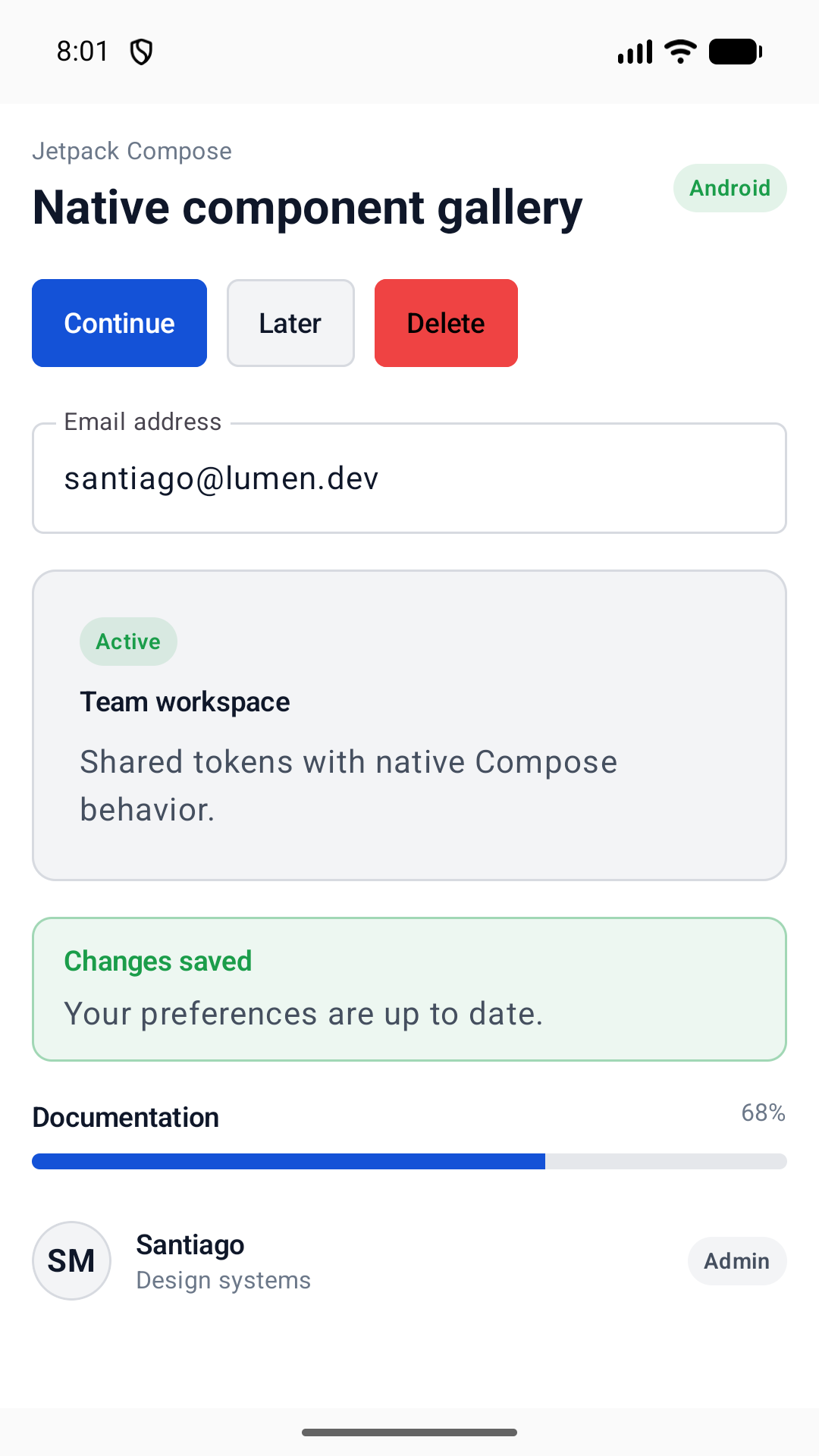
Change frameworks, not your design language.
One semantic class contract keeps Astro, React, and custom elements visually aligned.
Open source121 crafted primitives
A complete UI foundation for Astro, React, and Web Components. Accessible by default, beautifully tokenized, and designed to feel like yours.
Thursday, July 23
Revenue across the last 6 months
Your workspace today
Built with Lumen. Every control in this canvas is a library primitive.
One system. Every surface.
Designed as a system
Production-ready controls with consistent states, spacing, motion, and behavior—composed into real interface patterns.
Browse all 121 componentsButtons, links, groups, toggles, and toolbars share one visual rhythm.
| Mon | Tue | Wed | Thu | Fri | Sat | Sun |
|---|---|---|---|---|---|---|
| 29 | 30 | 1 | 2 | 3 | 4 | 5 |
| 6 | 7 | 8 | 9 | 10 | 11 | 12 |
| 13 | 14 | 15 | 16 | 17 | 18 | 19 |
| 20 | 21 | 22 | 23 | 24 | 25 | 26 |
| 27 | 28 | 29 | 30 | 31 | 1 | 2 |
| 3 | 4 | 5 | 6 | 7 | 8 | 9 |
Your new theme is live everywhere.
Accent text needs a darker surface.
Theme the meaning once. Every primitive follows.
Quietly rigorous
One semantic class contract keeps Astro, React, and custom elements visually aligned.
Keyboard paths, focus management, labels, and meaningful markup are part of the primitive.
Interactive Astro primitives use a tiny progressive-enhancement layer, not an app runtime.
AI-native UI
Install one portable skill for Codex, Claude Code, Cursor, Windsurf, and other Agent Skills clients. It teaches your AI to choose real Lumen primitives, respect the current framework, use semantic tokens, and verify accessible interactions.
npx skills add santi020k/lumen --skill lumen-uiBring your framework
Start with the adapter for your stack. The names, tokens, and interaction model stay familiar when your project changes.
pnpm
pnpm add @santi020k/lumen-astropnpm add @santi020k/lumen-astronpm
npm install @santi020k/lumen-astronpm install @santi020k/lumen-astroyarn
yarn add @santi020k/lumen-astroyarn add @santi020k/lumen-astroWith the stylesheet loaded globally, import components where you use them. Mount UIPrimitives once in your root layout only if you use interactive primitives; do not add it beside every component.
---
import { Button, Card, Input } from '@santi020k/lumen-astro'
---
<Card>
<label for="email">Email</label>
<Input id="email" type="email" placeholder="you@example.com" />
<Button>Subscribe</Button>
</Card>---
import { Button, Card, Input } from '@santi020k/lumen-astro'
---
<Card>
<label for="email">Email</label>
<Input id="email" type="email" placeholder="you@example.com" />
<Button>Subscribe</Button>
</Card>pnpm
pnpm add @santi020k/lumen-reactpnpm add @santi020k/lumen-reactnpm
npm install @santi020k/lumen-reactnpm install @santi020k/lumen-reactyarn
yarn add @santi020k/lumen-reactyarn add @santi020k/lumen-reactInstall the React package, load its stylesheet once, then import primitives directly. React ships the same styled markup and data contract, including data-display, overlay, form, rich text, and schedule attributes; use hooks for behavior-heavy primitives.
import { Button, Card, Input } from '@santi020k/lumen-react'
export function SubscribeForm() {
return (
<Card>
<label htmlFor="email">Email</label>
<Input id="email" type="email" placeholder="you@example.com" />
<Button>Subscribe</Button>
</Card>
)
}import { Button, Card, Input } from '@santi020k/lumen-react'
export function SubscribeForm() {
return (
<Card>
<label htmlFor="email">Email</label>
<Input id="email" type="email" placeholder="you@example.com" />
<Button>Subscribe</Button>
</Card>
)
}pnpm
pnpm add @santi020k/lumen-elementspnpm add @santi020k/lumen-elementsnpm
npm install @santi020k/lumen-elementsnpm install @santi020k/lumen-elementsyarn
yarn add @santi020k/lumen-elementsyarn add @santi020k/lumen-elementsInstall the Elements package, load its stylesheet once, register Lumen elements, and use lumen-* tags anywhere HTML is valid. Behavior-backed elements include overlays, context menus, select, forms, rich text, schedule, toast, DataTable, ThemeBuilder, and VirtualList.
<script type="module">
import { defineLumenElements } from '@santi020k/lumen-elements/define'
defineLumenElements()
</script>
<lumen-card>
<label for="email">Email</label>
<lumen-input id="email" type="email" placeholder="you@example.com"></lumen-input>
<lumen-button>Subscribe</lumen-button>
</lumen-card><script type="module">
import { defineLumenElements } from '@santi020k/lumen-elements/define'
defineLumenElements()
</script>
<lumen-card>
<label for="email">Email</label>
<lumen-input id="email" type="email" placeholder="you@example.com"></lumen-input>
<lumen-button>Subscribe</lumen-button>
</lumen-card>Build something considered
Start with Lumen’s accessible primitives, then make the system unmistakably yours.