When to use it
Use for an inclusive native date range. Keep values controlled and provide product-specific validation copy when additional rules apply.
Select an inclusive native date range with coordinated bounds and validation context.
Native example
Use for an inclusive native date range. Keep values controlled and provide product-specific validation copy when additional rules apply.
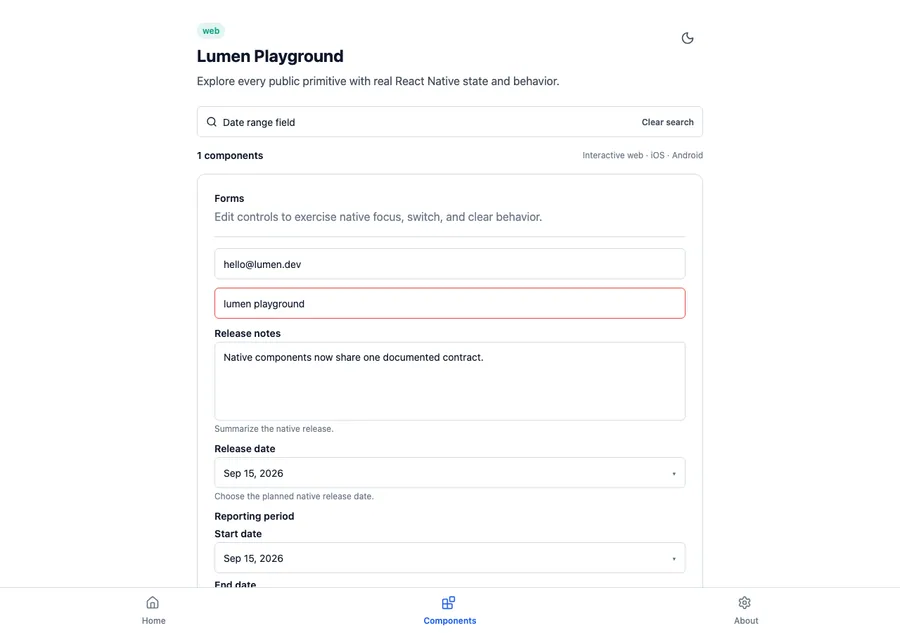
<LumenDateRangeField
  label="Release window"
  value={releaseRange}
  onValueChange={setReleaseRange}
  minimumDate={new Date()}
  description="Choose when this release is available."
/>
Reference
The primary shared and platform-specific options exposed by LumenDateRangeField.
| API | Values or type | Default | Description |
|---|---|---|---|
| label | string | Required | Labels the inclusive date range. |
| value / onValueChange | LumenDateRangeValue / callback | Required | Stores the controlled start and end values. |
| minimumDate / maximumDate | Date? | undefined | Constrains both dates using the native picker contract. |
| description / errorMessage | string? | undefined | Shows supporting text or a semantic danger validation message. |
Native behavior
Use for an inclusive native date range. Keep values controlled and provide product-specific validation copy when additional rules apply.
The range and each native control remain labeled, and selection prevents an end date from preceding its start.
Shared component