When to use it
Use as the primary app surface when navigation should change between a bottom bar and rail across phones, tablets, folding devices, split screen, and desktop windows. Keep routing and destination state controlled.
Adapt Material primary navigation between bottom bar and rail as the window changes.
Native example
Use as the primary app surface when navigation should change between a bottom bar and rail across phones, tablets, folding devices, split screen, and desktop windows. Keep routing and destination state controlled.
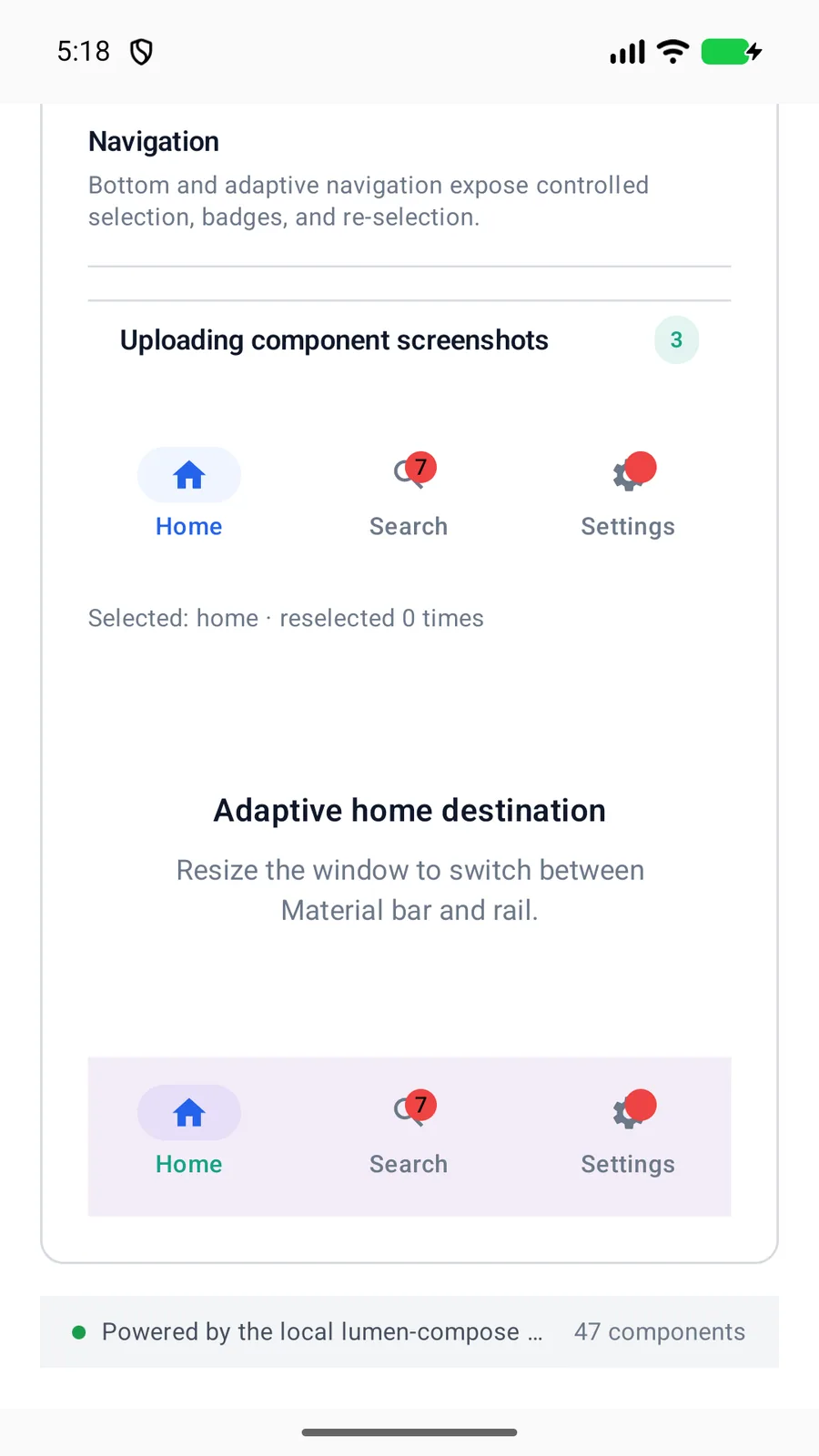
LumenAdaptiveNavigationScaffold(
    items = destinations,
    selectedValue = destination,
    onValueChange = ::setDestination,
    onReselect = ::scrollDestinationToTop
) {
    DestinationContent(destination)
}
Reference
The primary shared and platform-specific options exposed by LumenAdaptiveNavigationScaffold.
| API | Values or type | Default | Description |
|---|---|---|---|
| items | List<LumenNavigationItem<Value>> | Required | Provides controlled destinations, badges, icons, and disabled state. |
| selectedValue | Value | Required | Identifies the active application-owned destination. |
| onValueChange / onReselect | callbacks | Application-provided | Separates destination changes from repeated activation. |
| content | @Composable () -> Unit | Required | Renders the selected destination without transferring router ownership. |
Native behavior
Use as the primary app surface when navigation should change between a bottom bar and rail across phones, tablets, folding devices, split screen, and desktop windows. Keep routing and destination state controlled.
Material supplies navigation bar or rail semantics, selected and disabled state, keyboard traversal, and badge placement while destination content remains application-owned.