When to use it
Use short status or classification labels. Prefer normal text for sentences, instructions, and frequently changing numeric values.
Display compact native status and classification labels using semantic tones.
Apple availability
Import LumenUI in the target that uses this component. iPad support follows the iOS package baseline and uses native iPad layout behavior.
Native example
Use short status or classification labels. Prefer normal text for sentences, instructions, and frequently changing numeric values.
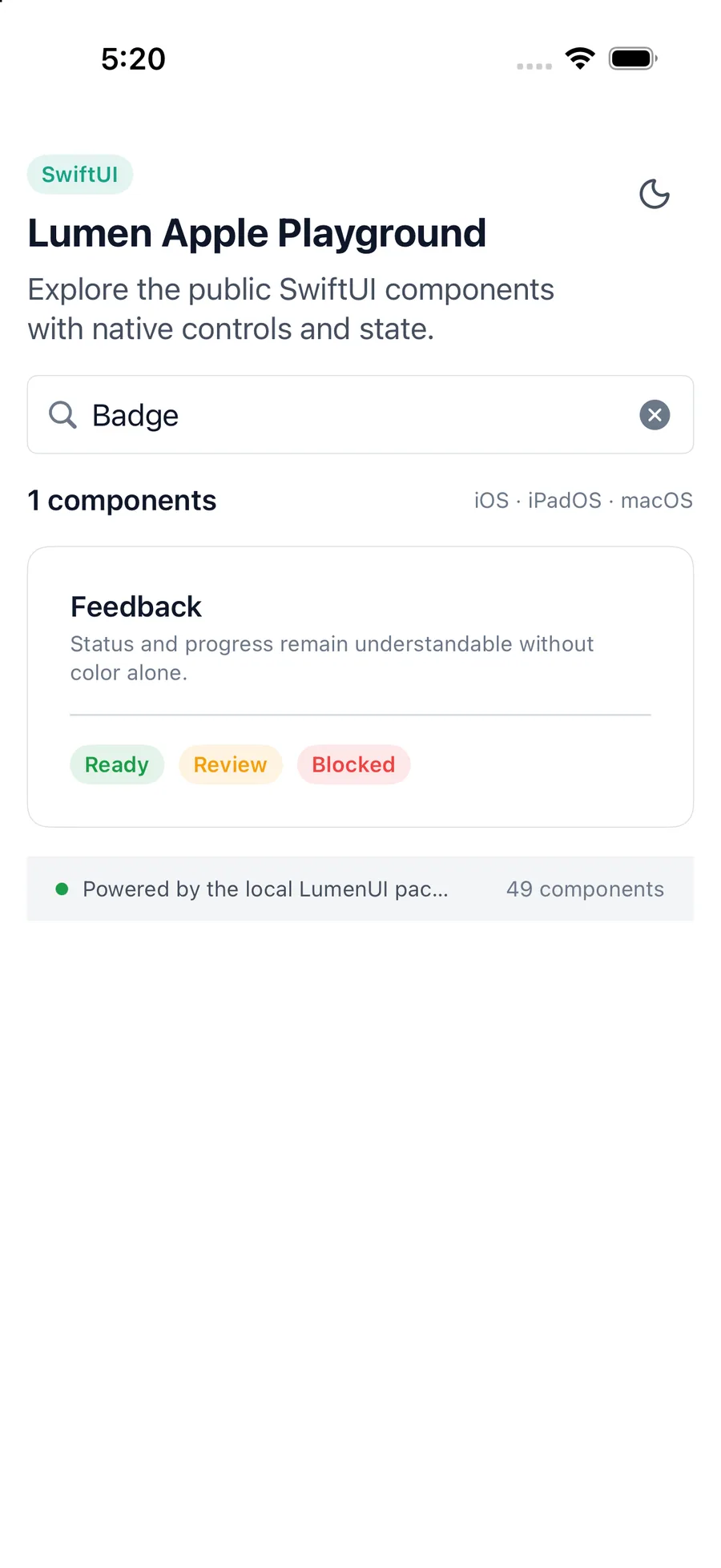
LumenBadge("Active", tone: .success)Reference
The primary shared and platform-specific options exposed by LumenBadge.
| API | Values or type | Default | Description |
|---|---|---|---|
| content | String / native text | Required | Provides the visible badge label. |
| tone | neutral · accent · success · warning · danger | neutral | Selects the semantic status treatment. |
| SwiftUI modifiers | Native layout API | — | Adds platform-native layout adjustments. |
Native behavior
Use short status or classification labels. Prefer normal text for sentences, instructions, and frequently changing numeric values.
Badge text remains available to assistive technology. Do not encode status only through tone.
Shared component