When to use it
Use for filtering an existing collection. Keep search results and empty states close to the field so focus changes remain understandable.
Filter native content with a density-aware search field and clear action.
Apple availability
Import LumenUI in the target that uses this component. iPad support follows the iOS package baseline and uses native iPad layout behavior.
Native example
Use for filtering an existing collection. Keep search results and empty states close to the field so focus changes remain understandable.
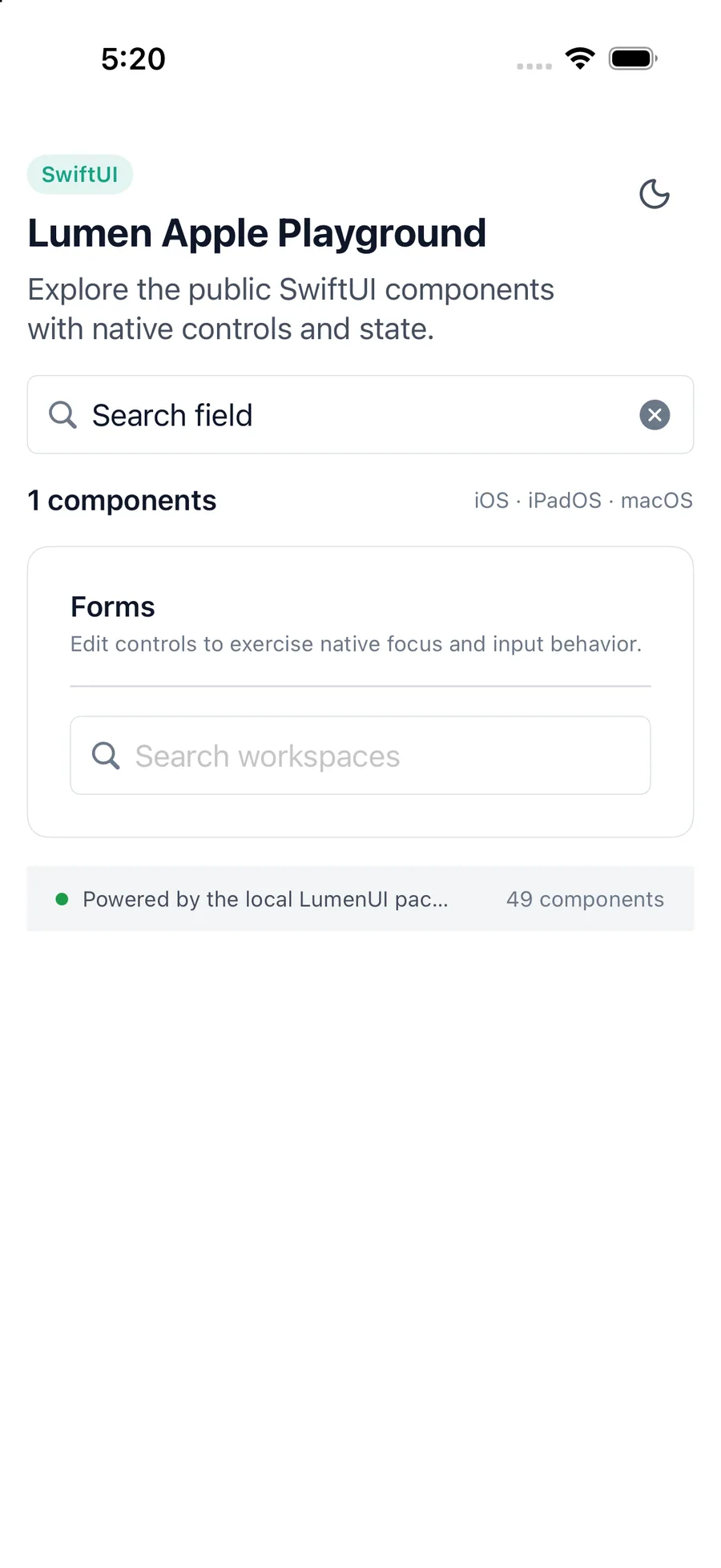
LumenSearchField("Search workspaces", text: $query)Reference
The primary shared and platform-specific options exposed by LumenSearchField.
| API | Values or type | Default | Description |
|---|---|---|---|
| prompt | String | Search | Provides placeholder and field context. |
| text | Binding<String> | Required | Stores the current search query. |
| Binding setter | (String) -> Unit | Required | Updates the controlled query. |
| isEnabled | Boolean | true | Controls native disabled presentation. |
| clearLabel | String | Clear search | Names the clear action. |
Native behavior
Use for filtering an existing collection. Keep search results and empty states close to the field so focus changes remain understandable.
The field uses native text input and provides a labeled clear button whenever text is present.
Shared component