When to use it
Use for a compact product metric. Avoid decorative dashboard numbers that do not support a decision or task.
Display a compact product metric with semantic tone and optional supporting context.
Apple availability
Import LumenUI in the target that uses this component. iPad support follows the iOS package baseline and uses native iPad layout behavior.
Native example
Use for a compact product metric. Avoid decorative dashboard numbers that do not support a decision or task.
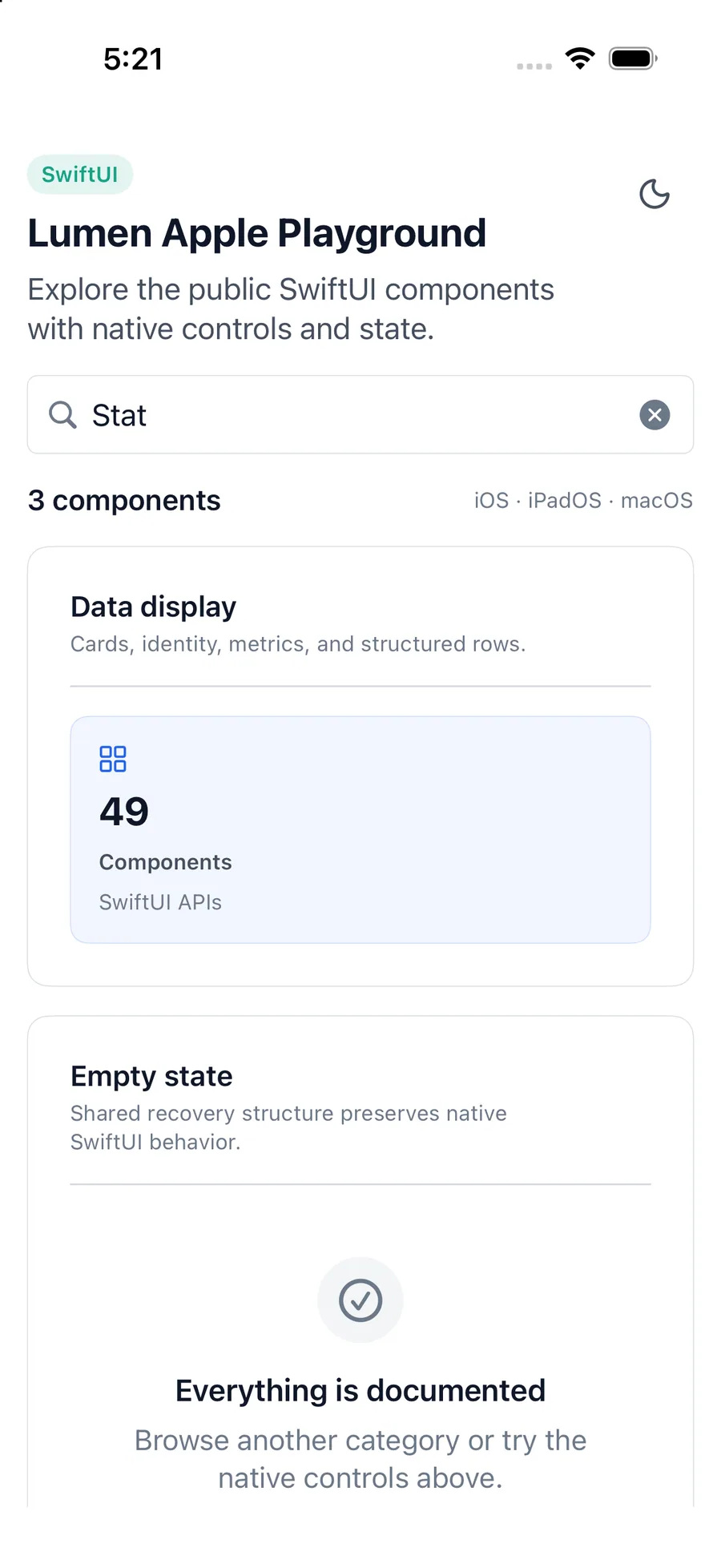
LumenStat(
    "Open windows",
    value: "12",
    detail: "Across 3 workspaces",
    systemName: "macwindow",
    tone: .accent
)
Reference
The primary shared and platform-specific options exposed by LumenStat.
| API | Values or type | Default | Description |
|---|---|---|---|
| label | LocalizedStringKey | Required | Names the metric. |
| value | String | Required | Provides the formatted metric value. |
| detail | LocalizedStringKey? | nil | Adds supporting context. |
| systemName | SF Symbol name? | nil | Adds an optional semantic graphic. |
| tone | neutral · brand · accent · success · warning · danger | brand | Selects semantic emphasis. |
Native behavior
Use for a compact product metric. Avoid decorative dashboard numbers that do not support a decision or task.
Metric content is combined into a concise readable unit. The value must remain meaningful without relying on color or icon alone.
Shared component