When to use it
Use surfaces to express hierarchy through semantic canvas, surface, muted, and strong roles. Do not hardcode a parallel set of background colors.
Compose content on semantic native backgrounds with shared padding and radius roles.
Apple availability
Import LumenUI in the target that uses this component. iPad support follows the iOS package baseline and uses native iPad layout behavior.
Native example
Use surfaces to express hierarchy through semantic canvas, surface, muted, and strong roles. Do not hardcode a parallel set of background colors.
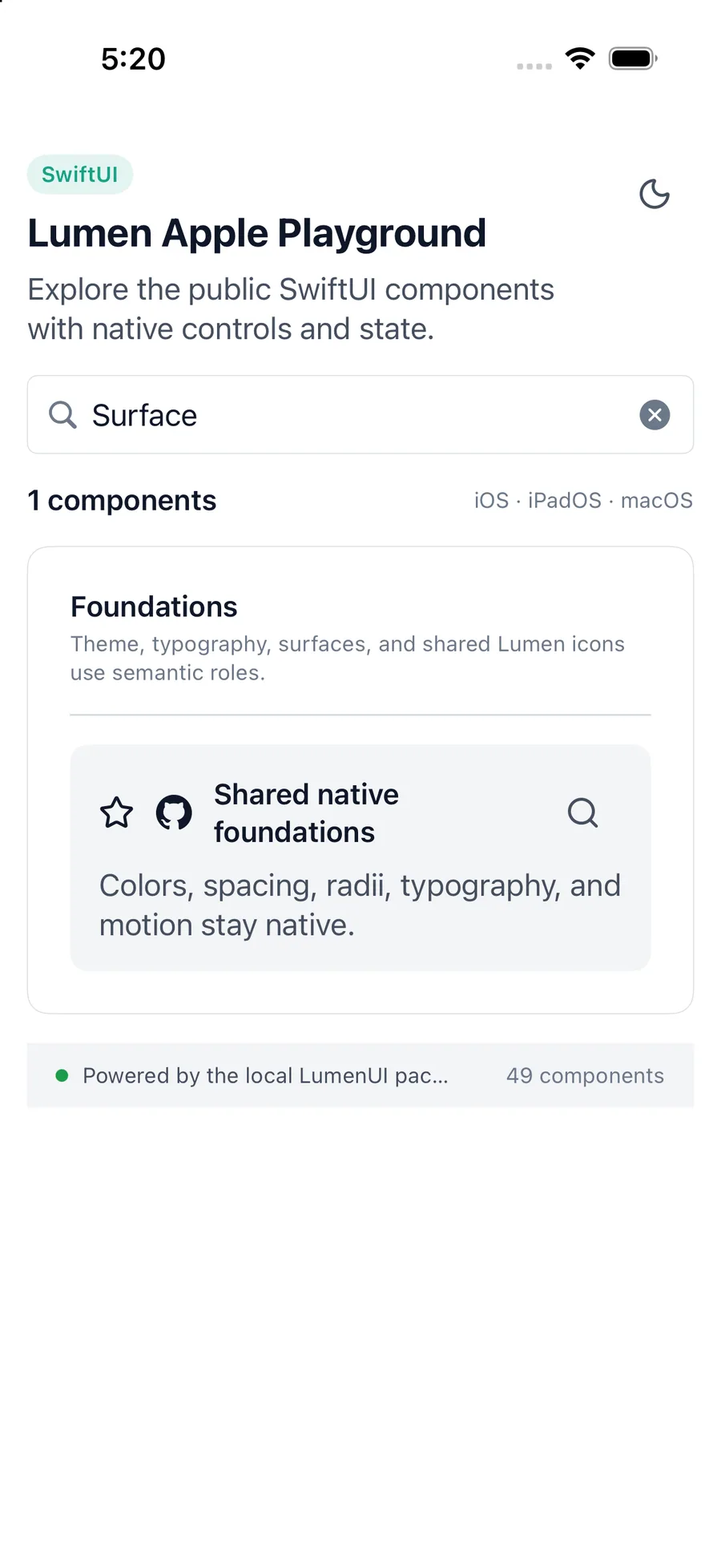
LumenSurface(tone: .muted, padding: .lg) {
    LumenText("Workspace")
}
Reference
The primary shared and platform-specific options exposed by LumenSurface.
| API | Values or type | Default | Description |
|---|---|---|---|
| tone | canvas · surface · muted · strong | surface | Selects the semantic background role. |
| padding | none · sm · md · lg | md | Applies generated platform spacing. |
| radius | none · sm · md · lg | md | Applies a generated corner radius. |
| content | Native composition API | — | Composes or lays out the surface with native APIs. |
Native behavior
Use surfaces to express hierarchy through semantic canvas, surface, muted, and strong roles. Do not hardcode a parallel set of background colors.
A surface does not add an accessibility role by itself. Descendant controls and content retain their native semantics.
Shared component