When to use it
Use for a current bounded metric, not task completion. Use Progress when the value represents work moving toward completion.
Show a normalized circular native metric with a formatted accessible value.
Apple availability
Import LumenUI in the target that uses this component. iPad support follows the iOS package baseline and uses native iPad layout behavior.
Native example
Use for a current bounded metric, not task completion. Use Progress when the value represents work moving toward completion.
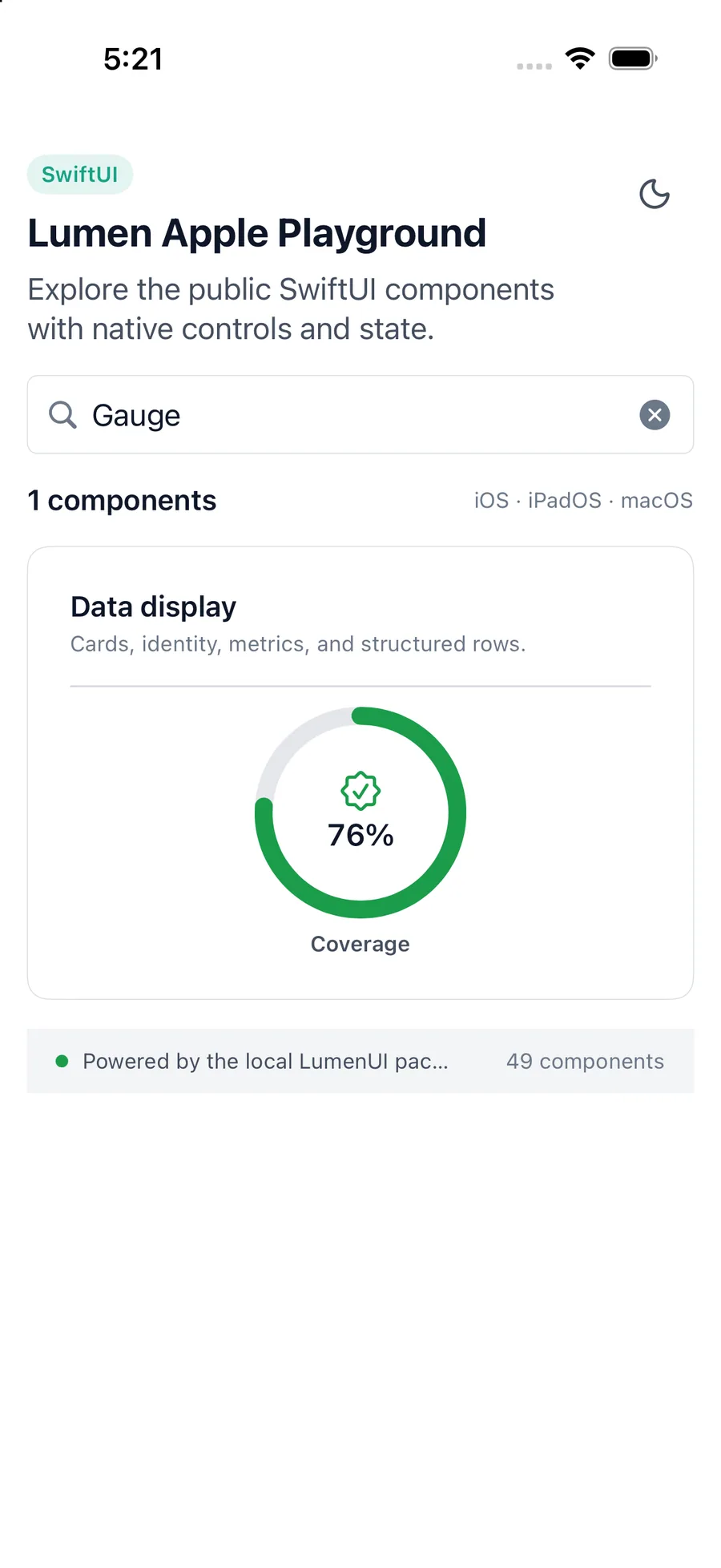
LumenGauge(
    "Thermal pressure",
    value: 48,
    valueLabel: "Fair",
    systemName: "thermometer.medium",
    tone: .warning
)
Reference
The primary shared and platform-specific options exposed by LumenGauge.
| API | Values or type | Default | Description |
|---|---|---|---|
| label | LocalizedStringKey | Required | Names the bounded metric. |
| value | Double | Required | Provides the current value. |
| max | Double | 100 | Provides the positive maximum. |
| valueLabel | String | Required | Provides the visible and accessible formatted value. |
| tone | neutral · brand · accent · success · warning · danger | brand | Selects semantic emphasis. |
Native behavior
Use for a current bounded metric, not task completion. Use Progress when the value represents work moving toward completion.
The visual ring is replaced by one accessible label and formatted value. Invalid values are normalized into the valid range.
Shared component